Purchases & money
Expenses, cash and bank, and accounts
Record running costs, see the balance of every cash drawer, bank and wallet, do the day-end closing, and read the books.
Who it is for:ManagerOwner
On this page
RetailDesk keeps the books for you. Every sale, purchase, payment and expense is posted automatically, so profit and balances are always up to date. You only record what RetailDesk can't know by itself: rent, bills, salaries and other running costs.
Expenses
Go to Finance › Expenses.
- Click Add expense.
- Choose the Category (rent, electricity, salary, transport…; add your own with the Category button), type the Amount (৳) and the Date.
- Choose Paid from: the drawer, bank or bKash account the money left.
- Add a note and save.
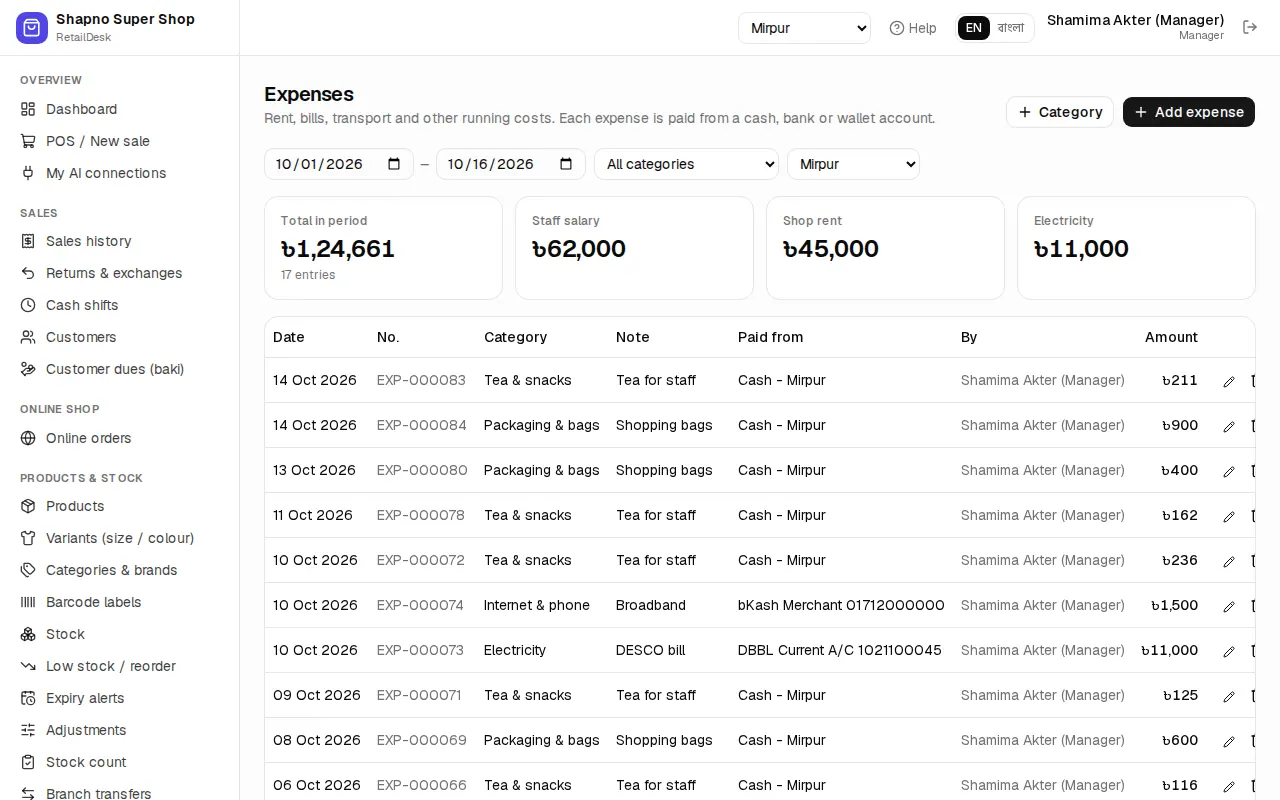
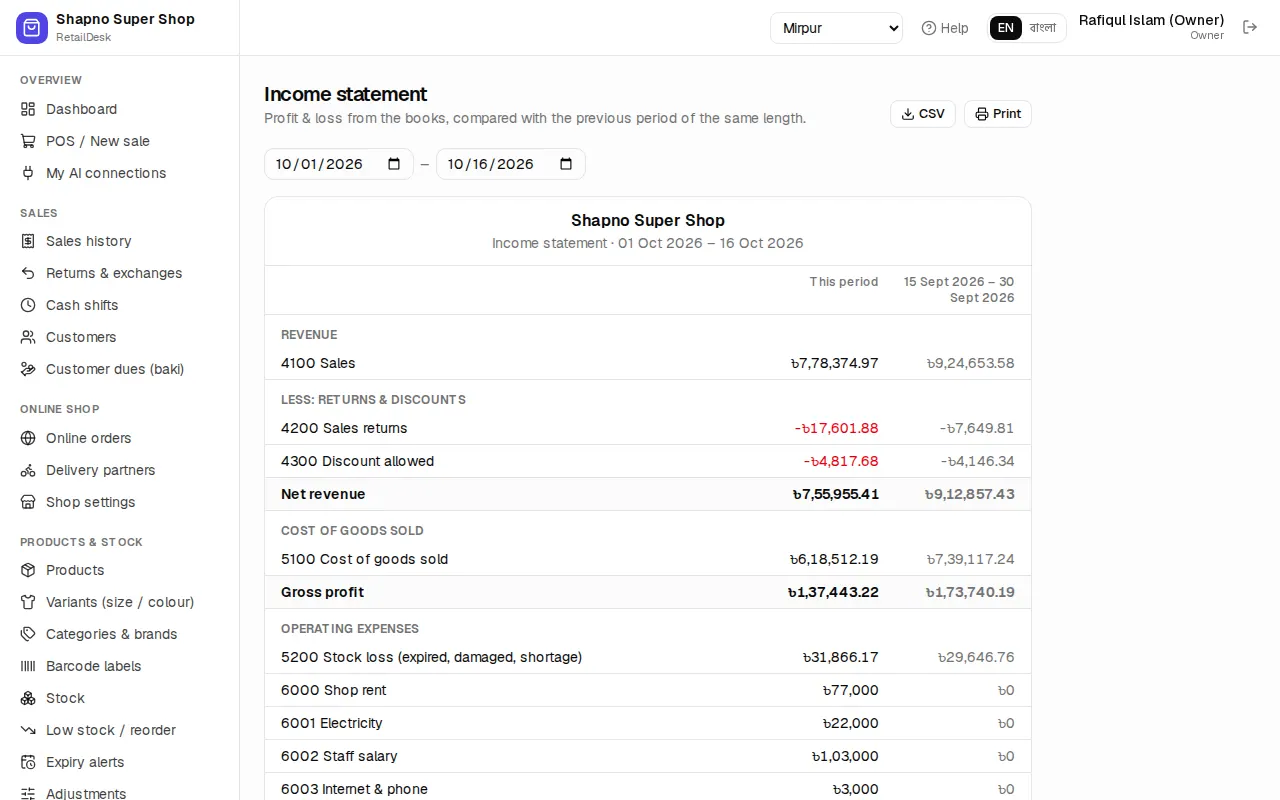
Deleting an expense puts the money back into the account. The expenses go into the profit and loss report.
Cash and bank
Finance › Cash & bank lists every account with its live balance: each branch's cash drawer, bank accounts and mobile wallets (bKash, Nagad), and the money couriers hold for you.
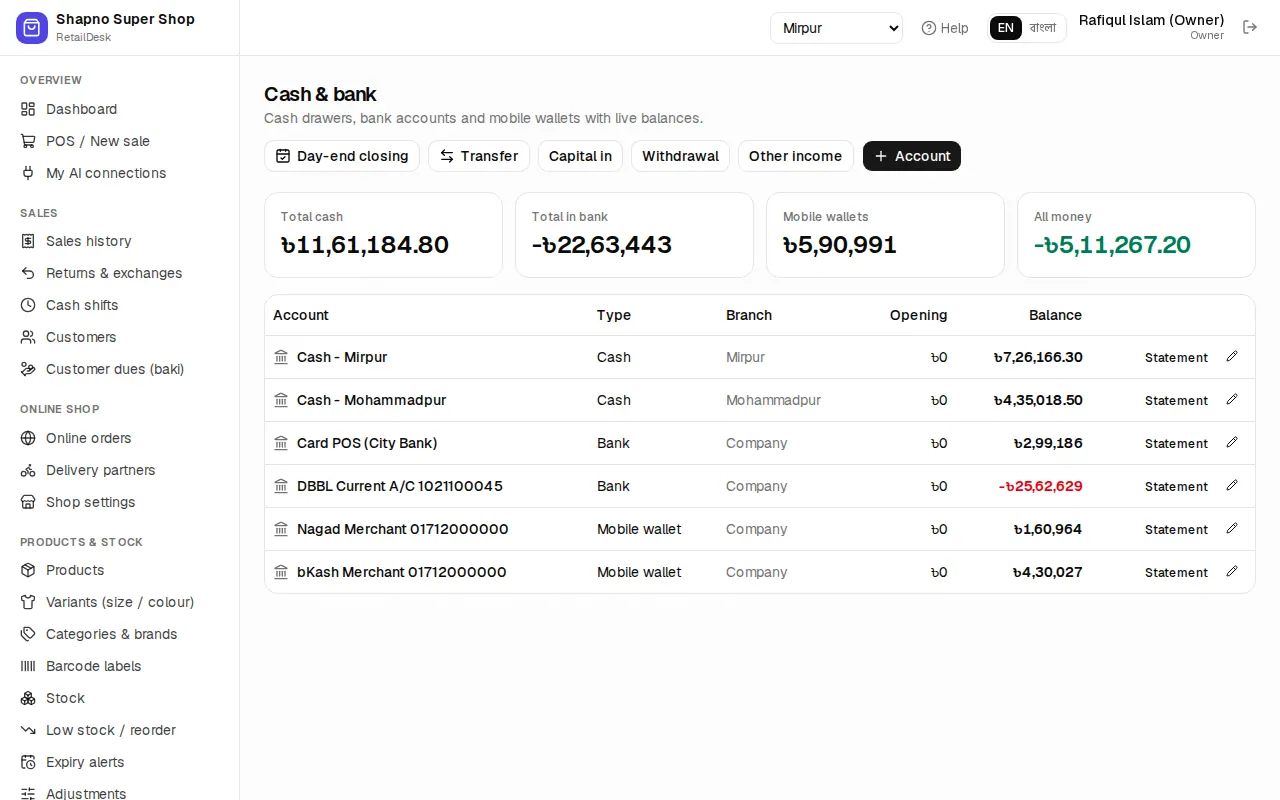
- Statement on an account shows every movement in and out.
- Day-end closing shows each account's opening, money in, money out and closing for the day.
- Owner only: Transfer (for example drawer to bank deposit), Capital in (owner puts money in), Withdrawal (owner takes money out), Other income, and Account to add a new account with its opening balance.
The books
For the owner and the accountant, the Finance menu also has:
- Journal vouchers: every automatic entry. The owner can add a Manual voucher; debits and credits must be equal. Automatic entries can't be reversed by hand: void or cancel the sale, purchase or payment instead.
- General ledger: one account's entries with the running balance.
- Chart of accounts: the list of ledgers. System ledgers are locked. Rebuild books reposts everything from the source documents if something looks wrong.
- Trial balance, Income statement and Balance sheet, each with a check that it balances.